Admin console
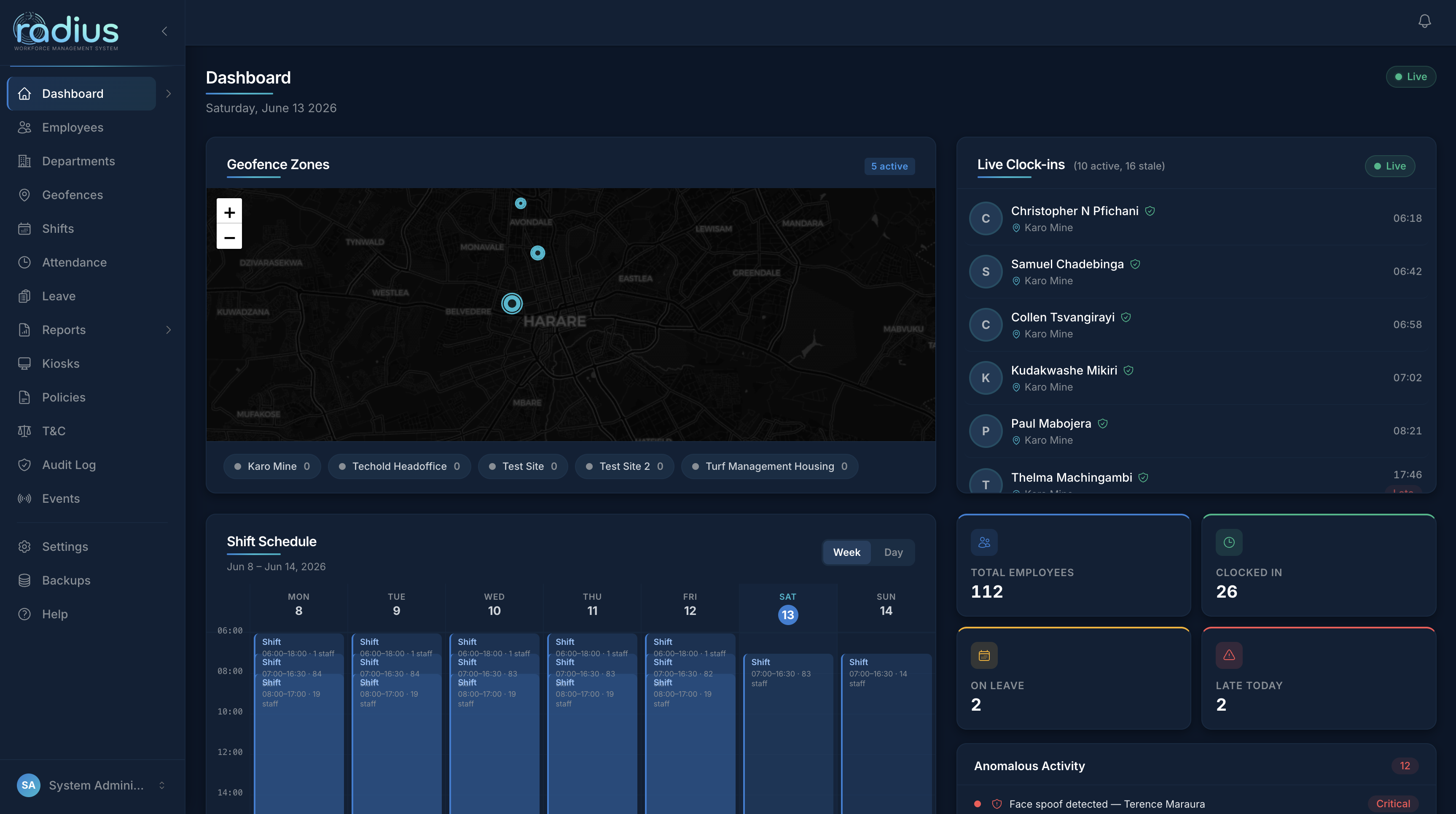
Designed for clarity
A dark-first interface that gives managers complete visibility at a glance.
Face-recognition clock-in, GPS geofencing, smart scheduling and leave management — one platform, with an isolated subdomain for every organisation you run.
Sign-up to first verified clock-in
Face-recognition accuracy
Role levels, fine-grained permissions
Tenants on one deployment
One platform replaces spreadsheets, paper registers and fragmented tools — across any number of sites and employees.
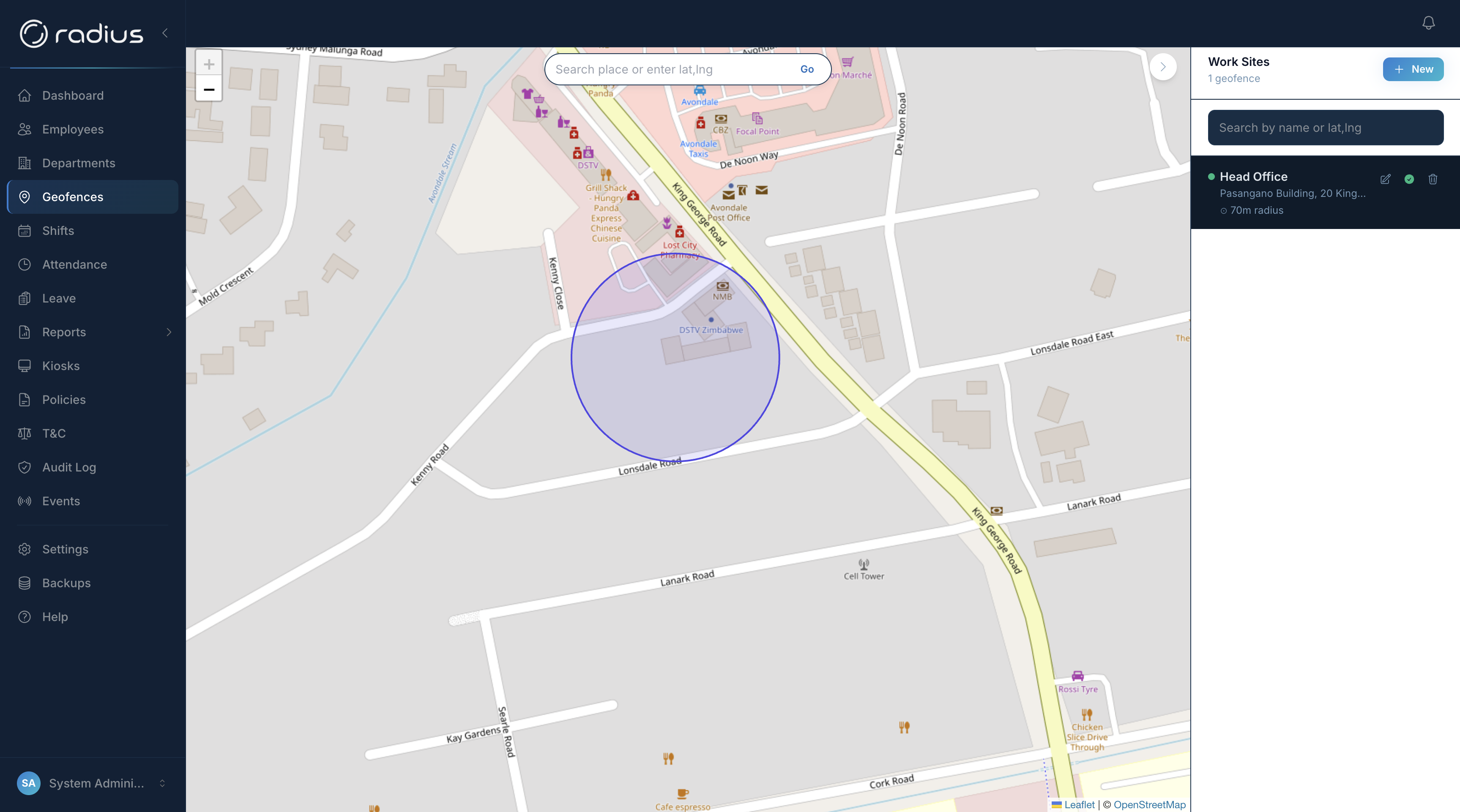
Draw circular work zones on an interactive map. Clock-in is blocked the moment an employee's device falls outside the approved boundary — accurate to the metre.
A live selfie is verified against the enrolled face, with liveness detection that blocks photo and video spoofing.
Reusable templates, weekly rosters and bulk assignment across date ranges with automatic conflict detection.
Requests from mobile or web, manager approvals, and auto-cancelled conflicting shifts.
Summary, overtime and violation reports for any date range — exported to CSV in one click.
Every company gets acme.radiuswm.app with fully isolated data. One deployment, unlimited tenants.
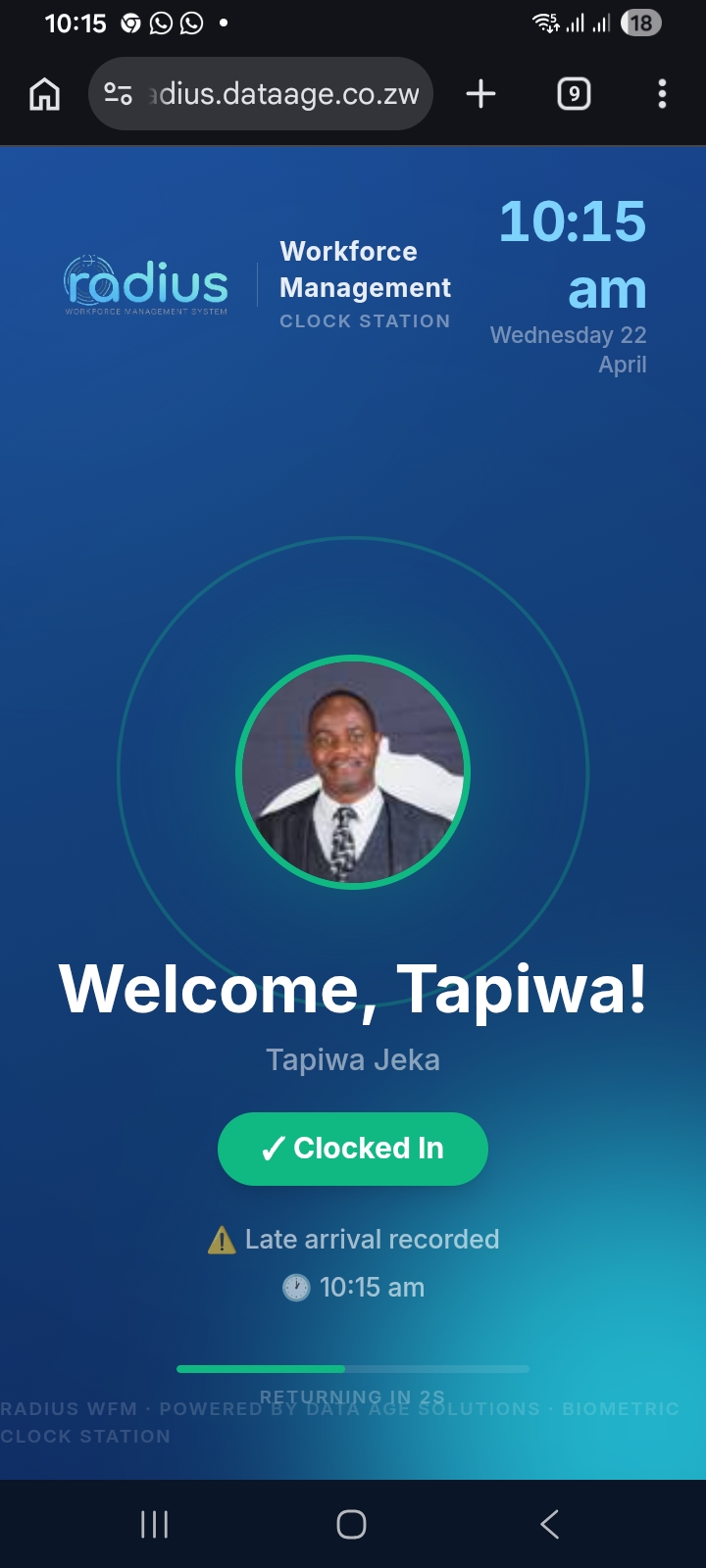
Mount a tablet at the entrance — shared face-recognition clock-in, no personal device required.
Superadmin, Admin, Manager, Supervisor, HR and Viewer — each with module-level access.
PWA-ready self-service: clock in, view shifts and submit leave from any device.
A dark-first interface that gives managers complete visibility at a glance.
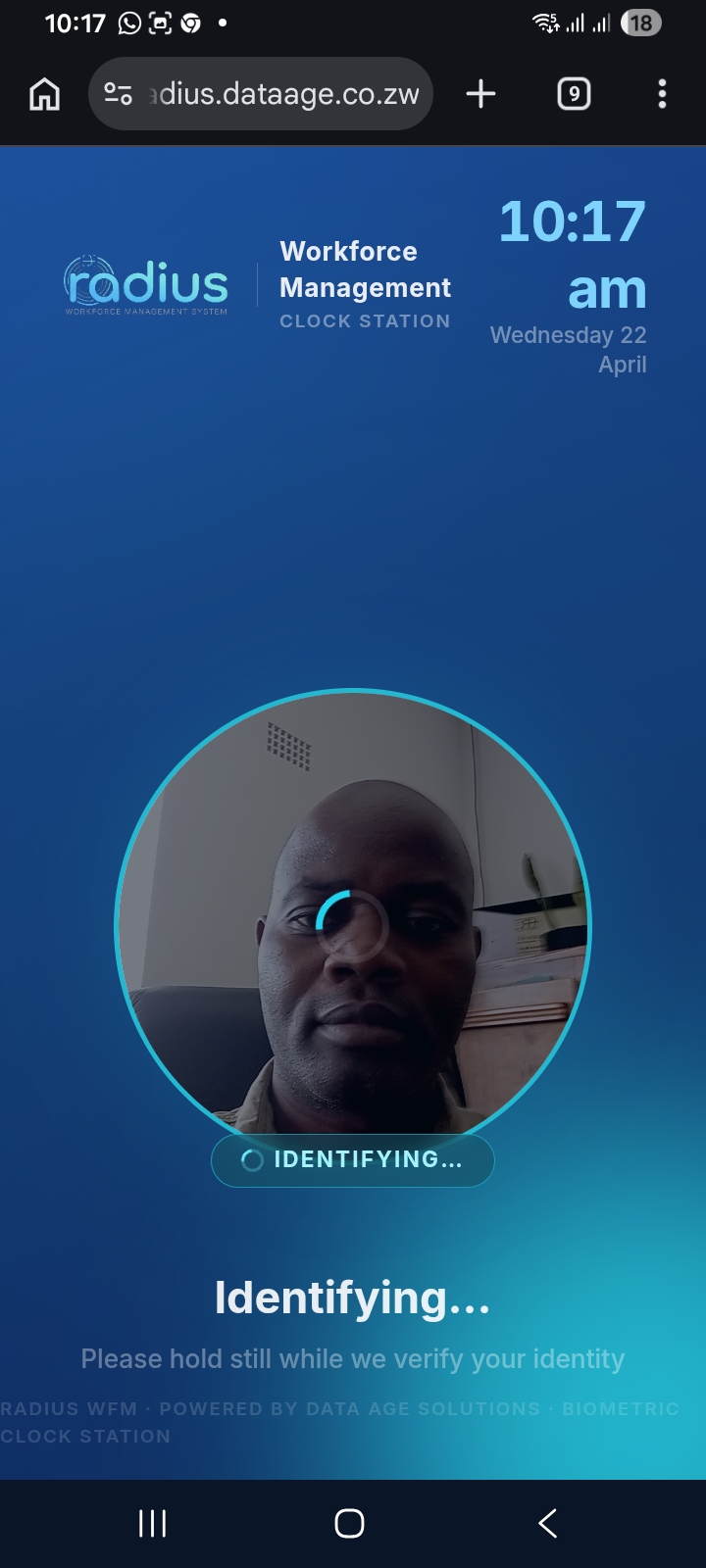
The Radius mobile app puts the whole clock-in experience in employees' pockets. One tap, a quick face scan, and they're on the clock — GPS-verified, face-confirmed, logged instantly.
No lengthy onboarding. No IT team. No waiting.
We provision yourcompany.radiuswm.app with a fully isolated database. Your data never shares infrastructure with other companies.
Import your workforce, draw geofences on the map, and assign shift templates. Minutes, not hours.
Each employee takes a quick selfie in the portal or via a self-enrolment link. The AI registers their face embedding in seconds.
Employees clock in on web, mobile or kiosk. Attendance is logged, violations flagged, and managers review the live dashboard from anywhere.
Tell us about your team and we'll set up a personalised walkthrough — tailored to your industry, sites and workforce size. Most demos are scheduled within 24 hours.